Mirror your phone live
Plug your phone in with a USB cable and its screen appears on your computer, smooth and in real time. You can even use the phone with your mouse and keyboard.
PhoneCut shows your phone screen live on your Windows computer, records it, and lets you mark the good moments while you record. Then turn them into clips in a few clicks. No terminal, no complicated setup.
Free · Windows 10 and 11 (64-bit) · Android 5.0 or later
Latest version: ·All versions and release notes
Plug your phone in with a USB cable and its screen appears on your computer, smooth and in real time. You can even use the phone with your mouse and keyboard.
The video sent by the phone is saved as it is, without being compressed again. You see the length and size of the recording while it runs, and the video is kept even if the cable comes out.
Press M (or the “Mark a cut” button) at each good moment while you record. In “My clips”, adjust the start and end, name the clips and export them as MP4 files that play everywhere.
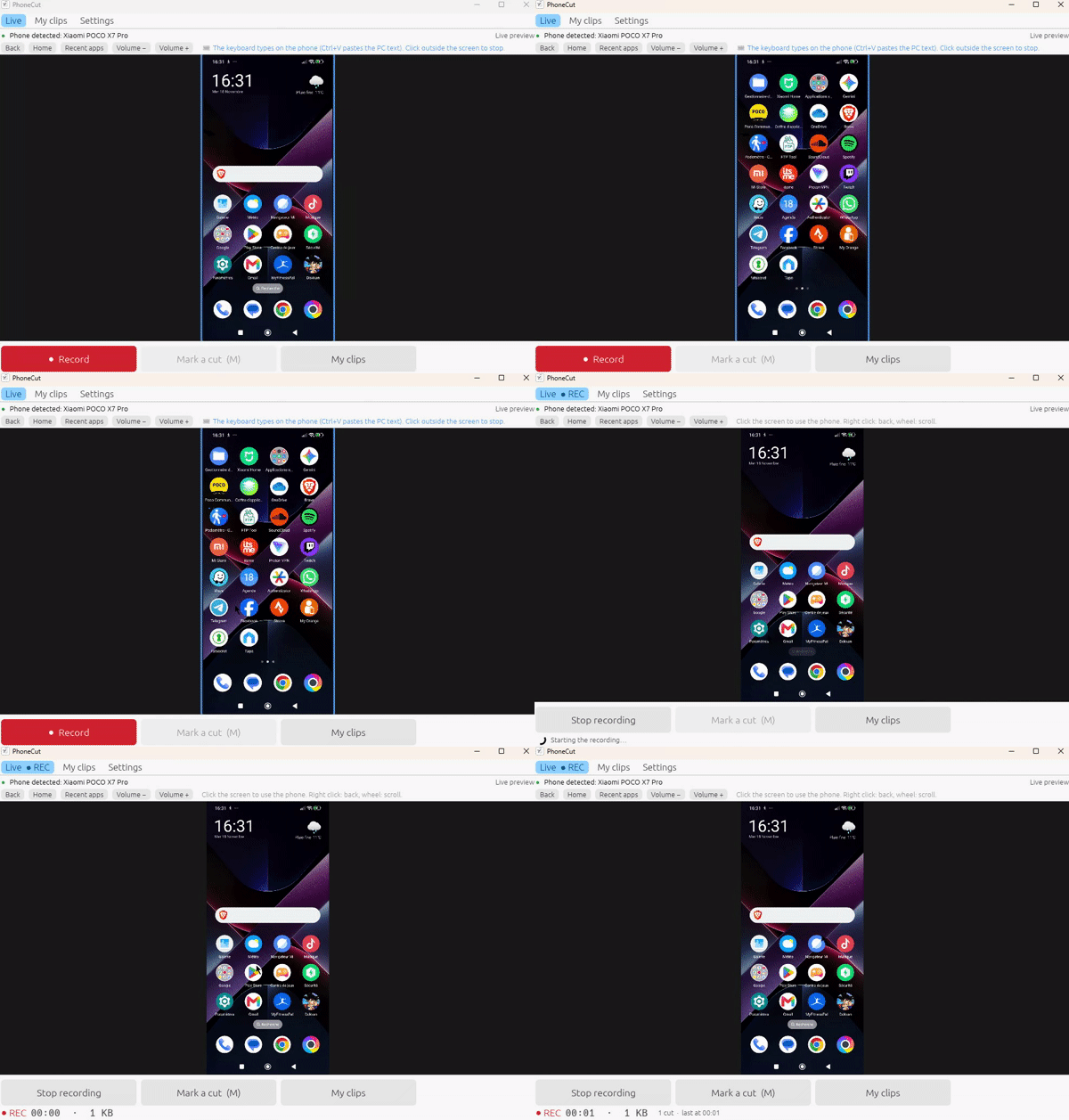
Download the installer and run it. No administrator rights are needed.
A built-in assistant guides you step by step and checks each step by itself.
Click “Record”, mark your cuts, then export your clips.
PhoneCut is free, without ads, accounts or tracking. Its source code is public on GitHub. It works on Windows for now; sound recording, a wireless connection and a Mac version are planned. github.com/Nico7522/phony-cut
Free · Windows 10 and 11 (64-bit) · Android 5.0 or later
Latest version: ·All versions and release notes